Shopify Collection Page SEO: The Complete Guide
How to optimize Shopify collection pages for search: keywords, titles, descriptions, filters, duplicate URLs, internal links, and tracking results.
When Shopify store owners think about SEO, they usually think about product pages and blog posts. Collection pages tend to get a title, maybe a one-line description, and nothing else. That's a missed opportunity. A collection page is often the best match for the broad, high-intent searches shoppers make before they've picked a specific product, like "linen shirts for men" or "ceramic planters." This guide walks through how to set up Shopify collection pages so search engines understand them and shoppers actually want to click through.
Why collection pages deserve more SEO attention
Think about how people shop. Someone searching for a single product name already knows what they want. Someone searching for a category is still comparing options, and a page showing a well-chosen range of products is exactly what they're hoping to land on. That's what a collection page is.
Collection pages also sit in a useful spot in your site structure. They link down to products and are usually linked from your main navigation, so they tend to collect internal link value. Treating them as real landing pages, rather than just product lists, is where most of the gains come from.
Keyword research for collection pages

Match each collection to how people search
Your collections were probably created around how you manage inventory. Search demand doesn't always line up with that. A collection called "Tops" might be better served targeting "women's tops" or "casual tops," depending on what your audience types and what you actually stock.
Use a keyword tool, Google Search Console, and Google's own autocomplete and related searches to see the phrases people use. Then look at what already ranks for them. If the results are mostly category pages from other stores, a collection page is the right fit. If they're mostly articles or guides, a blog post might have a better chance.
Give each collection one main keyword
Pick one primary keyword per collection, plus a few close variations. If two collections are chasing the same phrase, they end up competing with each other. Either merge them or give each a clearly different focus, such as "running shoes" and "trail running shoes."
On-page basics in the Shopify admin
Most of this is handled in the collection editor, so it doesn't need a developer.
Collection title
In most Shopify themes, the collection title becomes the H1 on the page. Keep it short and clear, and include the main keyword naturally. "Linen Shirts" beats "The Summer Breeze Collection" if linen shirts are what people search for.
Page title and meta description
Scroll down to the search engine listing section of the collection to edit these. Shopify's help documentation says the page title field accepts up to 70 characters and recommends keeping it to around 60 so it doesn't get cut off in results. For meta descriptions, the same documentation recommends about 160 characters.
A practical format for the page title is the main keyword, a short qualifier, and your brand name. For the meta description, say what's in the collection and give a reason to click, such as a material, a use case, or a real shipping benefit you offer.
URL handle
Shopify collection URLs follow the pattern /collections/your-handle. Keep the handle short, lowercase, and built around the main keyword. Avoid dates or seasons in handles for collections you plan to keep year-round.
If you change the handle of a collection that's already live, keep the "Create a URL redirect" option checked when you save. That sends visitors and search engines from the old address to the new one instead of to a 404 page. You can review existing redirects under URL redirects in your Shopify admin.
Write a collection description people will read
This is the part most stores skip, and it's the part that gives search engines the most context about what the page is for.

What to include
A good collection description helps a shopper choose, not just confirms they're in the right place. Depending on the category, that might cover:
Who the products are for and what they're used for
Materials, sizing, or fit notes that apply across the range
How to pick between the options on the page
Links to closely related collections or a relevant buying guide
Write it for people first. Use the main keyword and a couple of variations where they fit, and stop there. A description stuffed with repeated phrases reads badly and doesn't help rankings.
Where to place it
A long block of text above the product grid pushes products down the page, which can hurt conversions. A common approach is a short intro of a sentence or two above the grid and a longer, more detailed section below it. Not every theme supports a second text area out of the box. Depending on your theme, this may need a custom section or a collection metafield connected to the template.
Filters, sorting, and duplicate URLs
Filters and sort options are great for shoppers, but every combination can create a new URL. Left unchecked, that means search engines may crawl many near-identical versions of the same collection.
What Shopify handles by default
Shopify's default robots.txt already blocks some of the worst offenders. For example, it disallows collection URLs that use sort_by, URLs combining multiple tags with a plus sign, and URLs that stack more than one filter parameter. Those rules are visible in any standard Shopify store's robots.txt file.
Shopify's canonical tags also help. When a product is viewed through a collection path such as /collections/shirts/products/linen-shirt, the theme's canonical tag normally points to the main /products/linen-shirt URL. It's still worth checking your theme, because customized themes sometimes change how canonical tags are output.
Tag-based and single-filter URLs
URLs with a single tag or a single filter applied can still be crawled. For some stores that's fine. For others it creates dozens of thin, overlapping pages. Check a few of these URLs on your store, see what canonical tag they output, and look in Google Search Console to see whether they're being indexed. If they are and you don't want them to be, that's a job for a developer, since it usually means editing theme code or robots.txt.liquid.
When a filter should become its own collection
Sometimes a filter combination matches a real search term with steady demand, like "black leather boots." In that case, it's usually better to create a dedicated collection with its own title, description, and handle rather than hoping a filtered URL ranks. You get a clean page you control, and you can link to it from your navigation.
Internal linking that supports your collections
Search engines use internal links to understand which pages matter most. A collection that's only reachable through a filter or a buried footer link will struggle.
Add your most important collections to the main menu with clear labels.
Use breadcrumbs on product pages so they link back up to their collection.
Link from blog posts and buying guides to the collection that matches the topic.
Cross-link related collections in their descriptions where it helps shoppers.
Product grid, images, and pagination
Image alt text
Product images on a collection page usually pull their alt text from the product's own image settings. Shopify's documentation recommends descriptive alt text that explains what's in the image, so fix it at the product level and the collection page benefits too.
Page speed
Large collection pages can get heavy, especially with quick-view buttons, color swatches, and review stars on every card. Make sure images below the first row are lazy-loaded and keep an eye on how many app scripts load on collection templates.
Pagination
Shopify paginates collections with a ?page= parameter, and each page keeps its own canonical URL by default. Make sure pagination uses real links that search engines can follow. If your theme uses infinite scroll or a "load more" button, check that the underlying paginated links still exist in the page code.
Structured data
Some Shopify themes include breadcrumb structured data, which helps search engines understand where a collection sits in your site, and plenty do not. Check yours with Google's Rich Results Test. If it's missing, it can be added through the theme code or an app. Avoid adding product review markup to collection pages unless it's accurate and follows Google's guidelines.
Measuring whether it's working
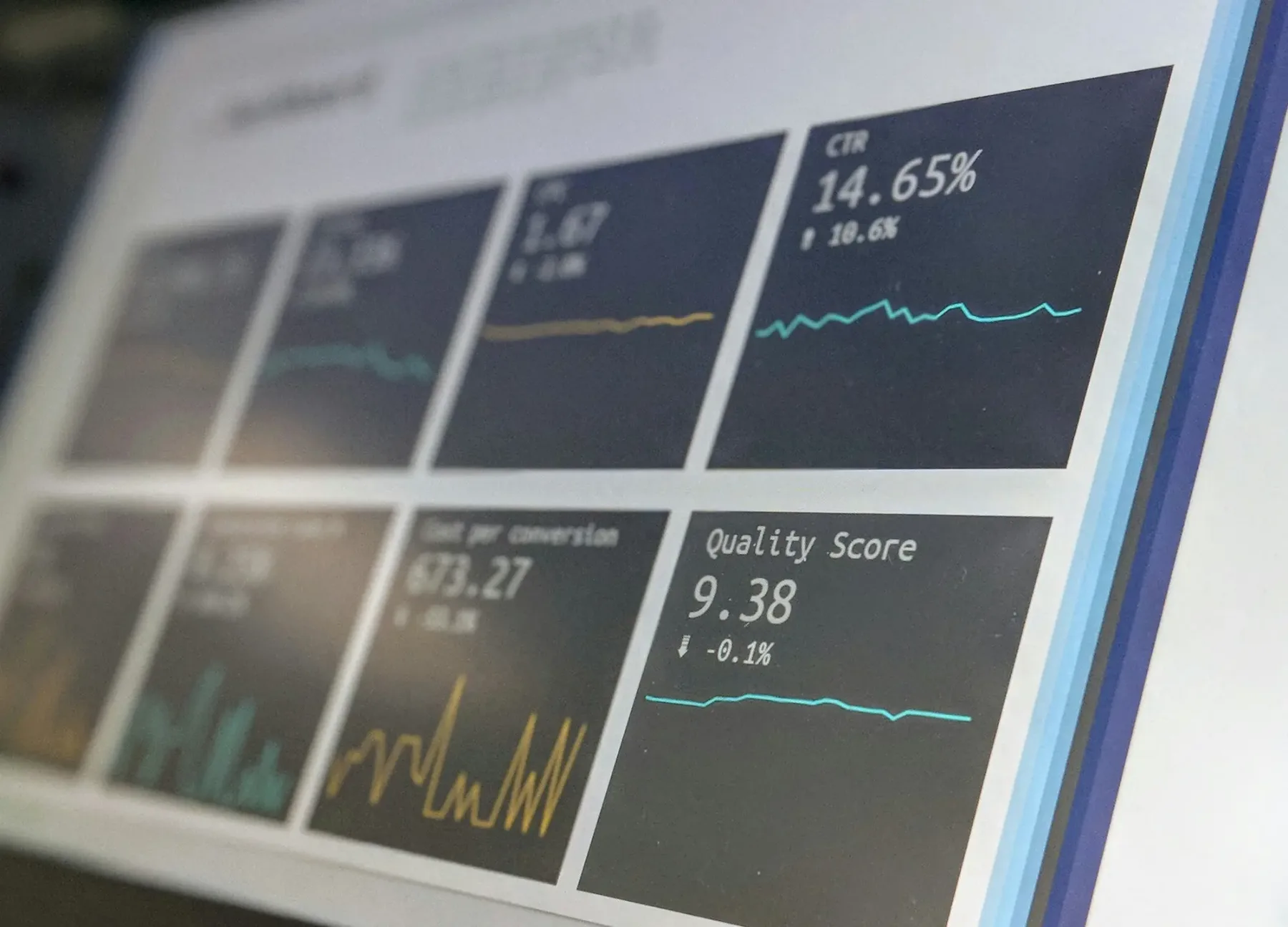
In Google Search Console, open the Performance report and filter pages by URLs containing /collections/. Watch impressions, clicks, and average position for each collection over a few months, since SEO changes take time to show up. Also check the Pages report to confirm your key collections are indexed and to spot filtered or tagged URLs that you didn't mean to have indexed.
Collection pages reward a little consistent attention. A clear title, a useful description, sensible handling of filters, and good internal links will put most stores ahead of competitors who treat these pages as plain product lists. If you'd rather have someone review your collection structure and fix the technical side, take a look at our Ecommerce SEO service.