Shopify Product Pages Not Indexed: How to Diagnose and Fix It
Product pages missing from Google? Confirm the problem in Search Console, work through the Shopify specific causes, and fix them in the right order.
A product page that isn't in Google's index cannot rank for anything, however good the product is. On Shopify stores this usually comes from a short list of causes, and most of them are fixable without a developer. The trick is to diagnose before you act, because the fix for "Google hasn't got round to it" is completely different from the fix for "your theme is telling Google to stay away."
First, confirm they're actually not indexed

A quick site: search in Google gives you a rough idea but is not reliable enough to make decisions from. Use Search Console instead.
Open the URL Inspection tool and check two or three specific product URLs that you believe are missing.
Look at the Page Indexing report and filter by the reasons listed there, rather than reading the totals.
Compare the number of product URLs in your sitemap with the number indexed.
Shopify generates sitemap.xml automatically, and according to Shopify's documentation it "contains links to all your products, primary product image, pages, collections, and blog posts." If a product is missing from that file, the cause is in your store settings rather than in Google.
The Shopify specific causes
The product isn't published to the Online Store channel
This is the most common and the least dramatic. A product that exists in your admin but isn't published to the Online Store sales channel will not appear in the sitemap and will not be crawlable. Check the product's sales channel availability, and check it in bulk if you import products from a supplier feed or an app.
The same applies to products with no inventory if your theme or an app hides them, and to products that were set to draft and never switched back.
A noindex tag left in the theme
Shopify's documentation describes hiding a page from search engines by adding a robots meta tag in theme.liquid, placed "in the <head> section," usually wrapped in a condition such as a handle or template check. These snippets get added during development and then forgotten.
Open your live theme's theme.liquid, search for "noindex", and check what condition it sits inside. A condition written loosely can catch far more pages than intended. If you have several themes in your library, check the published one specifically.
Orphan pages nothing links to
If a product is only reachable through a filtered collection URL, a search result, or a link in an email, crawlers have little reason to visit and even less reason to index. Every product should sit in at least one collection that is linked from your navigation, and ideally be linked from related products or a guide.
Duplicate and near-duplicate content
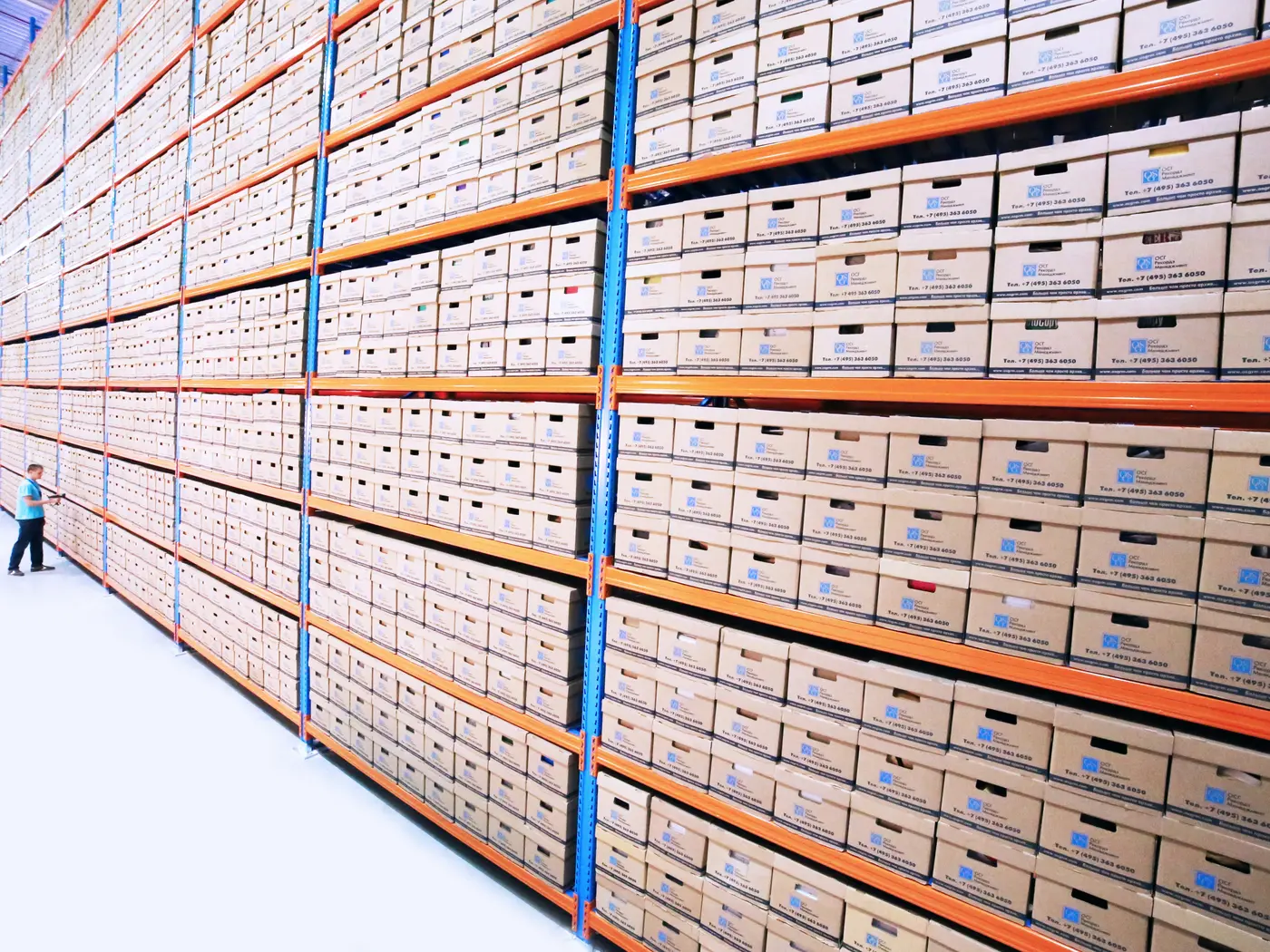
Stores that sell variations of the same thing, or that use supplier descriptions across hundreds of products, end up with pages that are very hard to tell apart. Google's own wording for this in the Page Indexing report is "Duplicate without user-selected canonical," which means it matched your page to another one and chose that other URL to index.
The fix is to make the pages genuinely different: real specifications, honest differences between models, and your own description rather than the manufacturer's. Where two products really are the same thing in two sizes, consider making them variants of one product instead of two pages competing with each other.
Variant URLs and canonicals
Variant links with a ?variant= parameter normally canonicalise to the main product URL, which is what you want. It's still worth checking what your theme outputs, because customized themes sometimes change canonical behaviour. Two conflicting canonical tags on a page cause more trouble than none.
Password protection and staging themes
If the storefront password is on, nothing gets indexed. If you launched recently, check that it's off and that robots.txt isn't disallowing anything you need crawled.
Read the report before you act
The status Google assigns tells you what to do, and the names are specific:
"Discovered - currently not indexed" means Google knows the URL exists but hasn't crawled it yet. Often a crawl budget or site quality signal, common on large catalogues. Improve internal linking and be patient.
"Crawled - currently not indexed" means Google fetched the page and decided not to index it. This is usually a content quality judgement, which is uncomfortable but useful to know.
"Duplicate without user-selected canonical" points at near-identical pages, as above.
"URL marked 'noindex'" sends you to your theme code.
"Not found (404)" and "Page with redirect" mean the URL in the sitemap no longer serves that page.
Resubmitting a URL that's marked "Crawled - currently not indexed" achieves nothing on its own. Improve the page first, then request indexing.
The uncomfortable cause: thin pages
On a store with thousands of near-identical products, Google indexing a subset is not a bug. It's a judgement that the rest add nothing. If that's your situation, the answer isn't a technical trick:
Write real descriptions for your best sellers first, not all five thousand at once
Add specifications in structured fields so pages differ on facts, not just adjectives
Add genuine reviews, which make pages unique by themselves
Consolidate products that are really variants of one thing
Accept that some long tail pages will never be indexed, and focus effort where the demand is
Fix order, and how long to wait
Confirm the products are published to the Online Store channel and appear in your sitemap.
Remove any noindex that shouldn't be there, and check robots.txt and the storefront password.
Fix internal linking so every product is reachable in a couple of clicks from the homepage.
Improve content on the pages you care about most.
Request indexing for a handful of important URLs, not the whole catalogue.
Resubmit the sitemap and leave it alone.
Give it two to four weeks before judging, longer on a big catalogue. Check the Page Indexing report weekly and watch whether pages move between statuses, which tells you more than the headline number.
If you have a large catalogue with an indexing problem that won't resolve, we do this kind of technical work as part of our Ecommerce SEO service.
Sources: Google's Search Console Page Indexing report documentation, and Shopify's help documentation on hiding a page from search engines and finding your sitemap.